Similar photo cleanup
Group repeated shots, screenshots, and lookalike photos, then keep the best image from each set.
Spaceful is a cleaner, faster way to free up iPhone storage. Find duplicate photos, review similar shots, compress large videos, merge messy contacts, keep private items protected, and optionally clean Gmail clutter by sender.

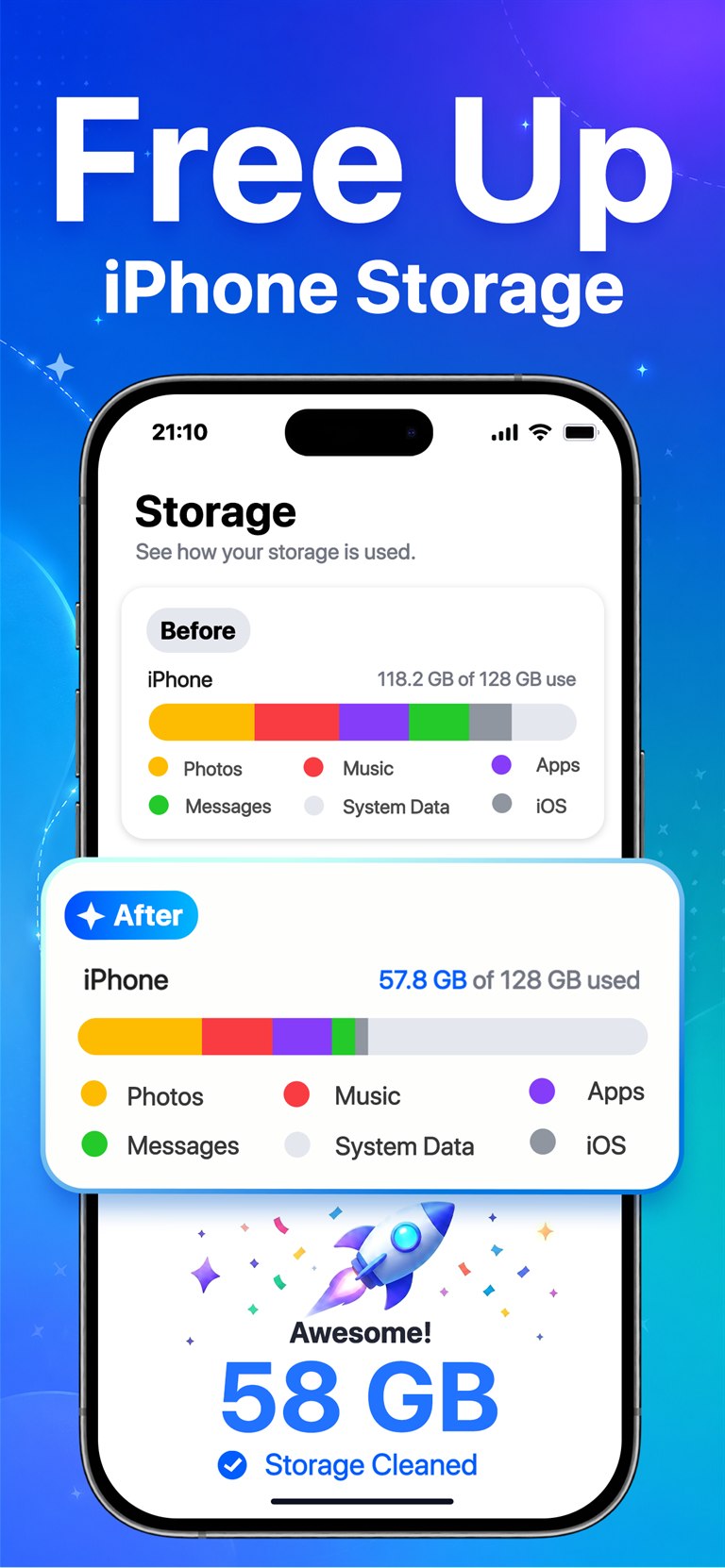
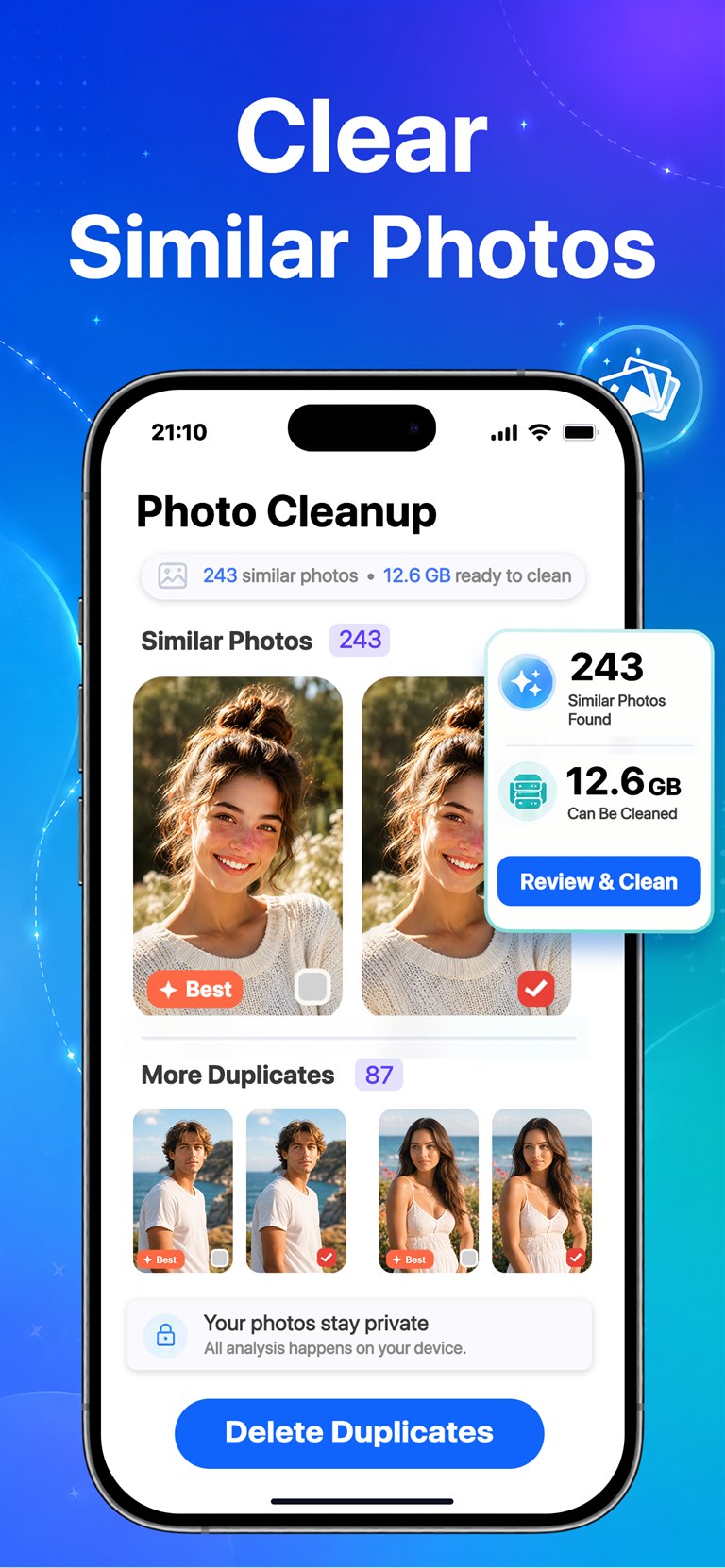
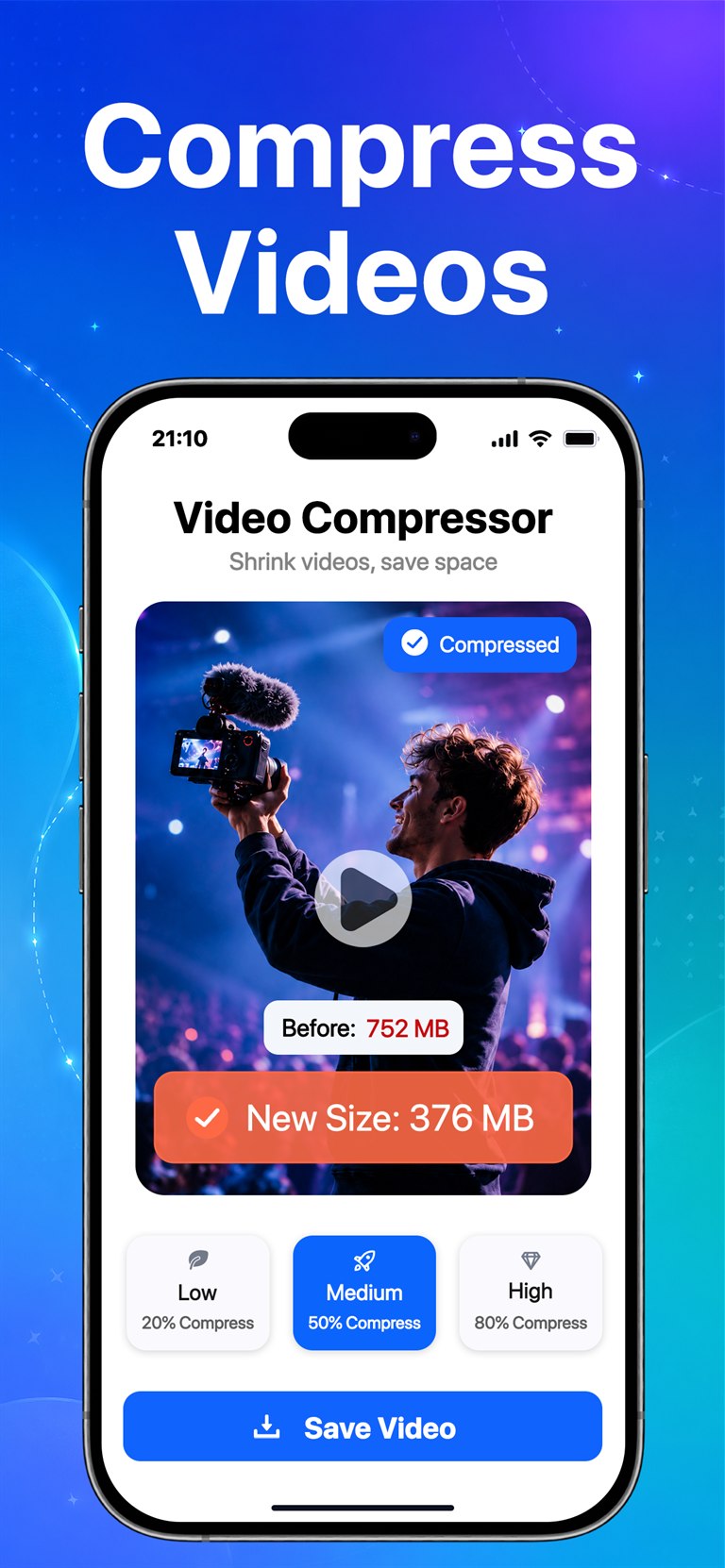
Suggestions are grouped clearly so you can keep the best files and delete only when ready.
Cleaner, calmer storage
Spaceful turns overloaded iPhone storage into manageable review sessions. Scan, compare, compress, merge, and protect without digging through thousands of photos by hand.
Features
Spaceful helps you quickly spot what is taking up room, then gives you simple review flows before anything is removed.
Group repeated shots, screenshots, and lookalike photos, then keep the best image from each set.
Review one batch at a time with a fast manual flow that makes cleanup feel lighter.
Shrink large videos, preview estimated savings, and pick compression strength before saving.
Merge matching contact cards and keep your address book easier to search and maintain.
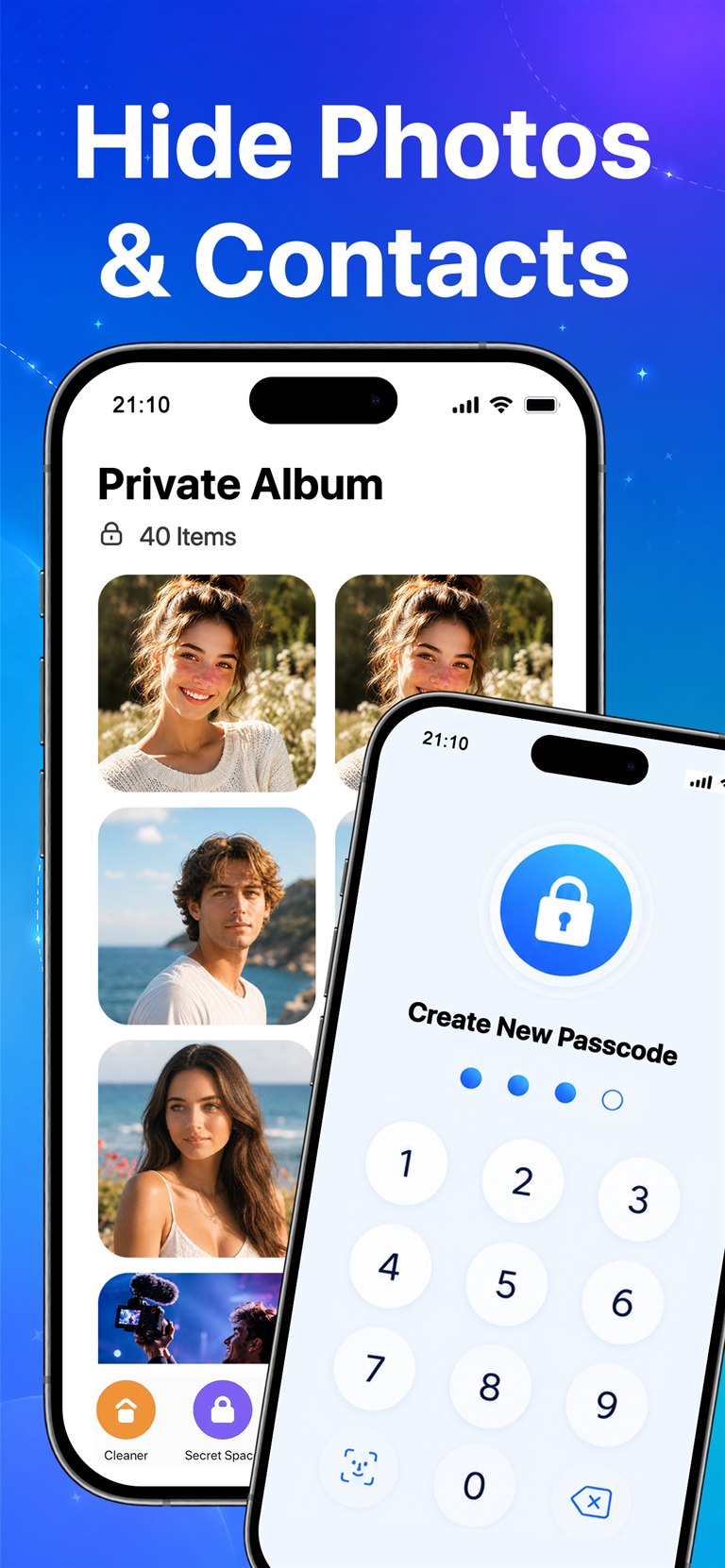
Hide selected photos, videos, and contacts behind a clean passcode-protected experience.
Nothing is removed without your confirmation, so you can clean confidently and stay in charge.
Workflow
Spaceful is built around short, understandable review sessions. You see what was found, decide what stays, then clean when you are ready.
Find photos, screenshots, large videos, and contacts that may be taking extra space.
Compare groups, swipe through batches, and keep the items you want to save.
Delete, compress, or merge only after you confirm the action.
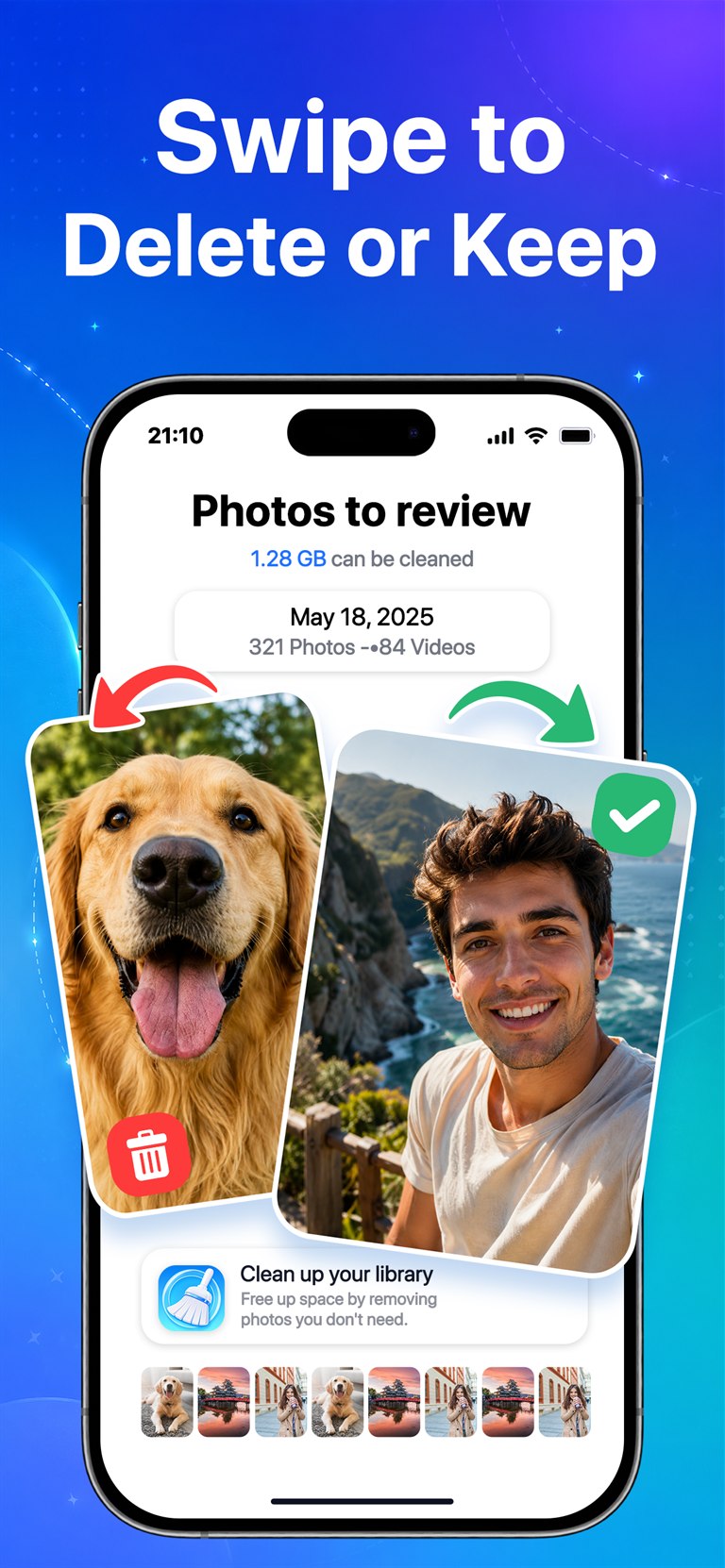
Screenshots
Browse the core flows users see inside Spaceful.

Optional Gmail cleanup
When you choose to connect your Google Account, Spaceful uses Google's OAuth system and the
gmail.modify permission to list Gmail message metadata, group messages by sender, show
review details, and move only the messages you select to Gmail Trash. A read-only permission cannot
perform this user-requested cleanup action.
Gmail processing occurs locally on your iPhone through direct encrypted connections to Google's APIs. Kiwi Game Studio does not operate an intermediary Gmail server. Gmail data is not used for advertising, sold, or shared with third parties. Spaceful's use of information received from Google APIs adheres to the Google API Services User Data Policy, including the Limited Use requirements.
See sender information, subjects, short snippets, dates, and message counts in the App.
Turn a crowded inbox into a clear sender list so you can make focused cleanup choices.
Spaceful moves messages only after you select them and confirm the cleanup action.
Privacy and control
Spaceful is designed around clear review and confirmation. It helps organize your storage without rushing you into deleting photos, videos, or contacts you still care about.
Keep selected personal items separate in a dedicated private area.
Review every cleanup group and approve changes before they happen.
Deleted photos can still be checked in Recently Deleted on iPhone.
Download Spaceful and review photos, videos, contacts, and optional Gmail clutter with a clear, confirmation-first flow.